#spon: I’m required to disclose a relationship between our site and Intel This could include Intel providing us w/content, product, access or other forms of payment.
Now that we’re into the New Year, there are two things on my mind: Getting organized and eating healthier. I know those are cliches when it comes to resolutions, but those are my goals and I’m sticking to them!
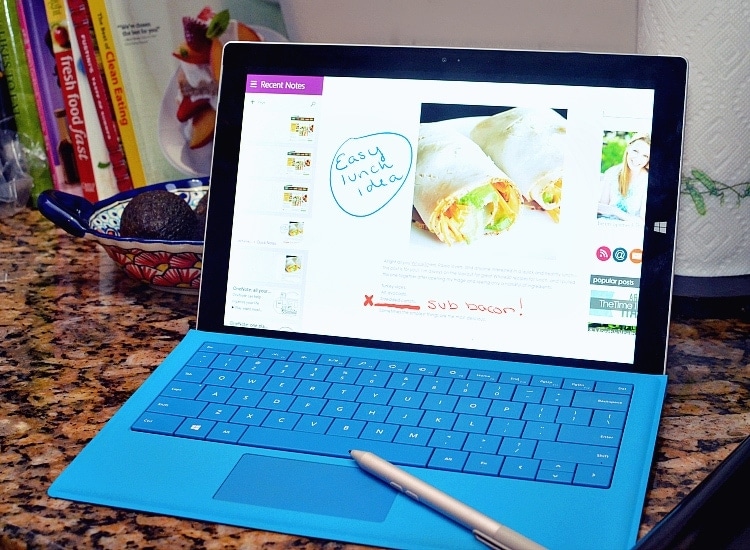
I’ve actually have a decent start to both of my objectives thanks to my Intel 2 in 1, the Microsoft Surface Pro 3. I’ve been traveling with this smart device for the past few months and it’s been fantastic. But now that I  am home, I’m finding even more great ways to use it, beyond the standard works tasks. My newest revelation is finding healthy, grain-free recipes that fit into my new lifestyle.
My husband and I are starting a round of the Whole30 (basically no grains, sugar, legumes or dairy for 30 days), and need all the help we can get when it comes to preparing meals so they don’t become redundant.
The Microsoft Surface Pro 3 can be used two different ways: As a touchscreen tablet or a laptop (with optional keyboard). When I’m looking up recipes I usually use the device as a tablet along with the included Surface Pro 3 pen. This handy pen makes the device even more user friendly, allowing me to make personal notes within screenshots of recipes I want to make or share.
Lately Pinterest has been my go-to for recipes, so that’s where I start.
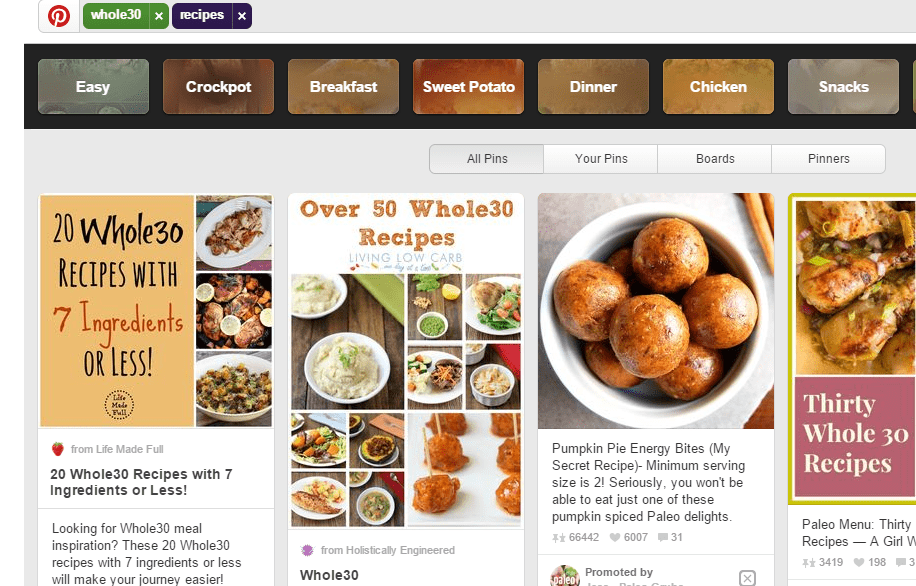
When I find a page that I want to save and open in OneNote, I double click the top button on the pen. From inside OneNote, I can crop the area that I want to keep by dragging the tip from one corner to the other. Becca from MyCrazyGoodLife.com has some great tips for using the Surface Pro pen:Â www.mycrazygoodlife.com/surface-pro-3-pen-tips.
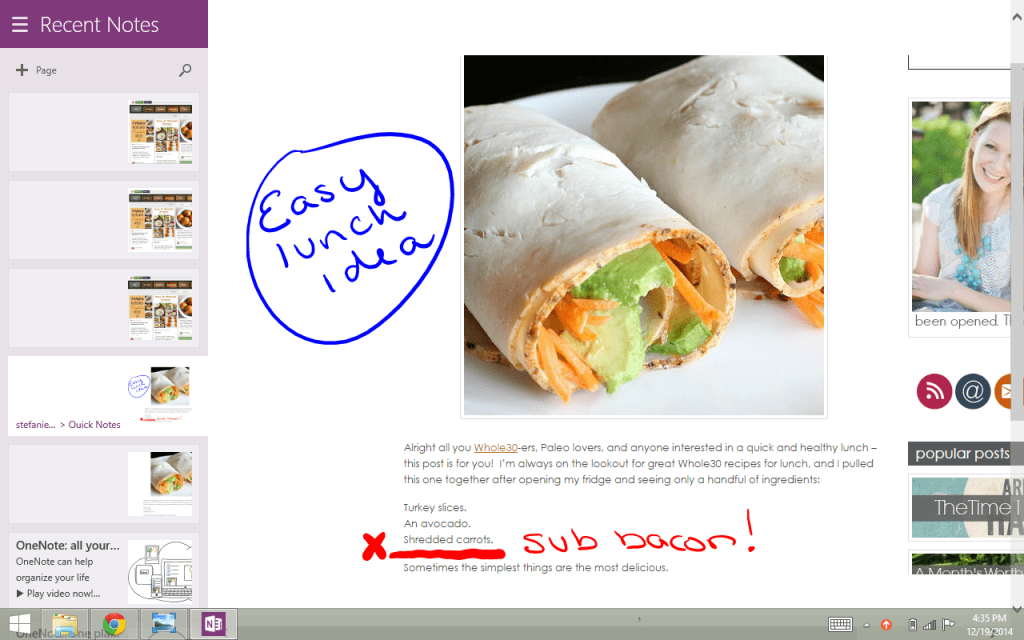
After I’ve cropped the image to my liking, I can add text or doodles as I see fit. I can then save my edits and reopen when I’m ready to use the recipe.
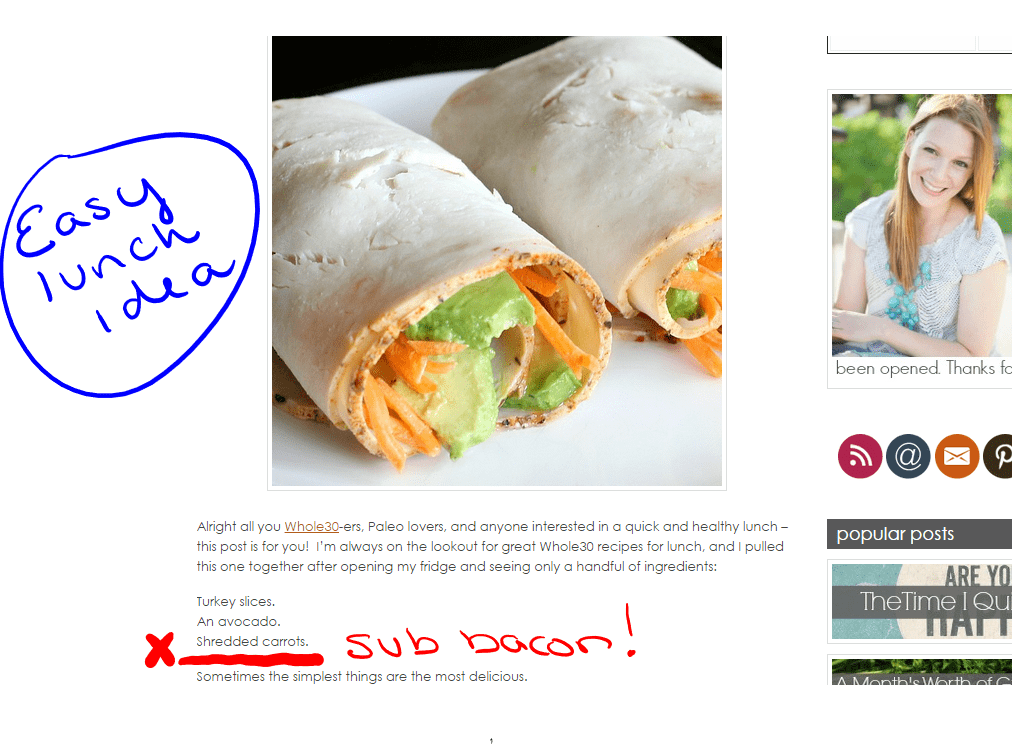
I’ve made a special folder within my OneDrive with all of my Whole30 approved recipes for meal planning — this has kept me very organized!

As you can see, this method is working for me to find, edit and organize new & healthy recipes for 2015. I like having the files as images because that’s what attracted me to them in the first place. Besides recipes, I can also make check lists & calendars to keep me organized in other areas. Little by little the Microsoft Surface Pro 3 is proving to be the only device I need to manage my entire life, from work to play.