
My husband and I are in the home stretch of buying our first home. It’s been a long, long road — which makes every day until closing that much more exciting. This time next month — knock on wood — we should be completely moved in and ready to start this new chapter in our lives.
As we’re packing up boxes in our current house, we’re also preparing for additions to the new one. One thing I had planned long before this process began was that our next house was going to be a “Smart Home”. Rick and I love technology and all of the convenience it provides. The Nest products have long been on my radar as simple solutions for the home that can save time, money and help provide peace of mind to my family.
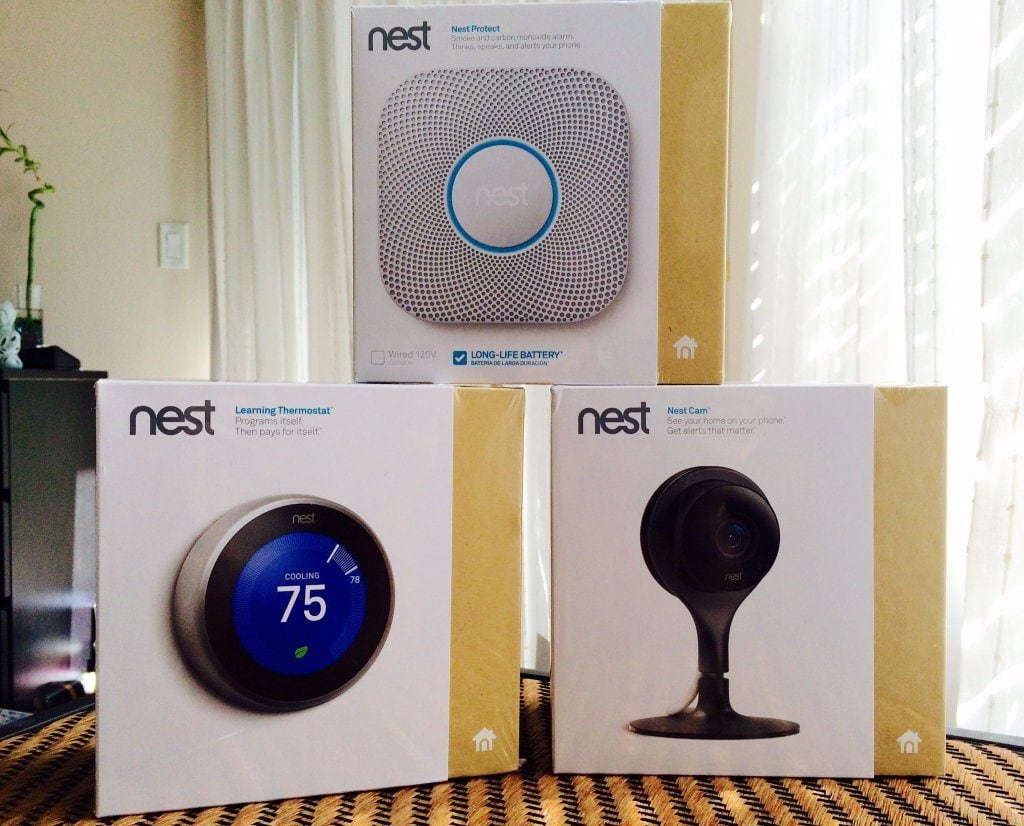
Currently there are three Nest products that I will be installing in my new home as soon as we move in.
- Nest Thermostat
- Nest Protect
- Nest Cam
Here are some of the reasons why I’m so excited about making our new home a Smart Home with Nest
Saves Money — The Nest Thermostat not only warms and cools your home from your smartphone, but it’s also designed to help save you money on your energy bill. When you’re away, the Nest Thermostat automatically turns itself to “Auto-Away” to save on energy while you’re gone. This is done with built-in sensors that sync with your phone’s location (so cool!). When you’re home, the Nest Thermostat adjusts automatically to your usage pattern, so your home is always the perfect temperature. Plus, Nest shows you how much energy you use every day in Energy History and every month in your Home Report. This allows you to track when you use the most energy and encourages you to use less during peak times.
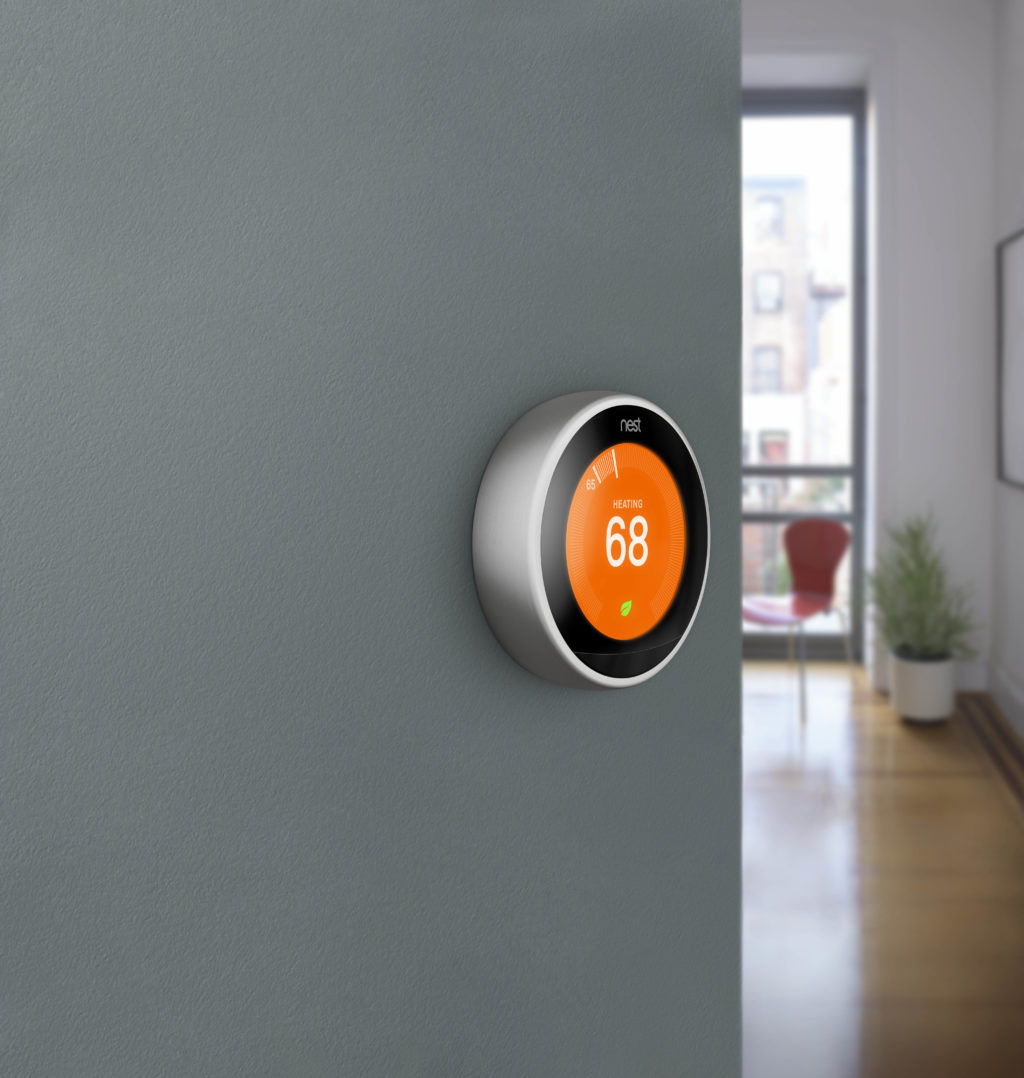
Easy to Use — Each of the Nest products are easy to install and are designed to work together seamlessly with the Nest App. You can add family members to share control with their own smartphones, and because one app controls all of the Nest products, you don’t have to fumble with different apps to control the different products.
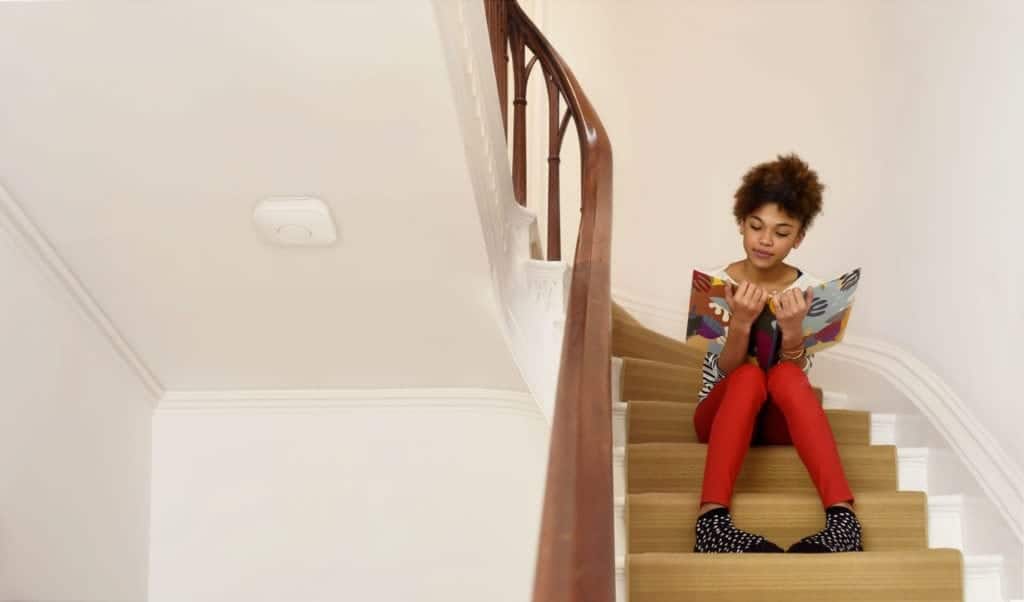
Provides Peace of Mind — Both Nest Protect and Nest Cam can provide a sense of security when you’re home or away. The Nest Protect is a combination smoke and carbon monoxide alarm that speaks (even if wi-fi goes down) and sends alerts to your smartphone. It also tests itself regularly so you always know it’s working (without that annoying beeping sound!) and lasts up to a decade. When paired with Nest Cam you get an extra layer of protection as the camera will automatically record a clip when Nest Protect senses smoke or carbon monoxide.
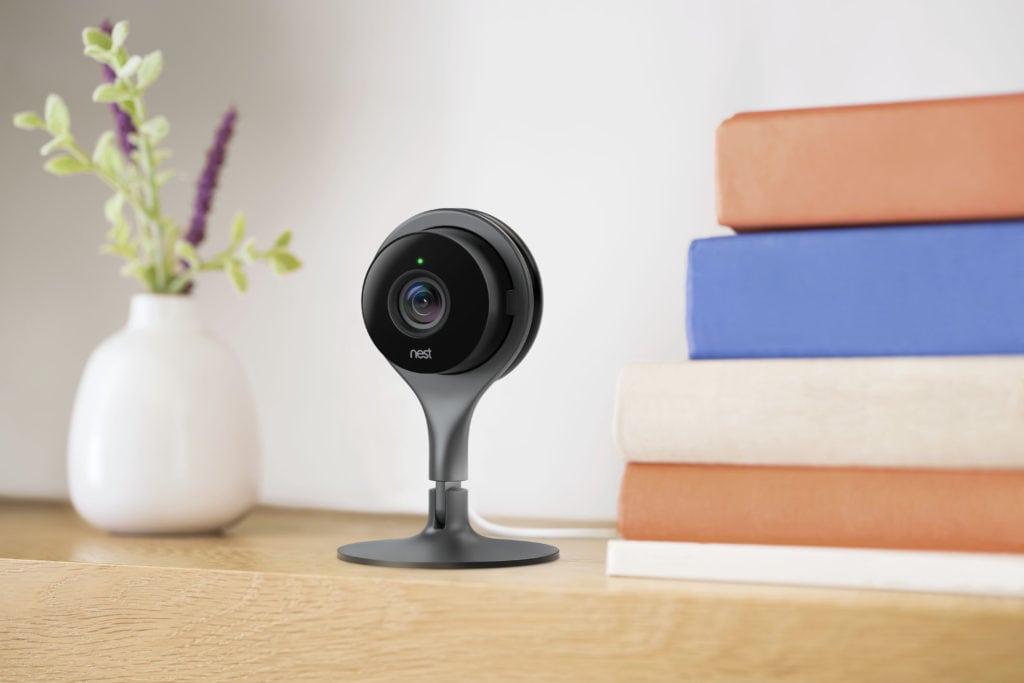
Additionally, Nest Cam will also automatically turn on when your Nest Thermostat sets to “Auto-Away”, keeping an eye on your home when you’re gone in 1080p HD. If the Nest Cam senses motion when you’re not home, it will send you an alert. The Nest Cam is also great for checking in on pets or kids.
Works with Other Smart Products — Conveniently, the Nest works with other Smart Home products, including Phillips Hue lights, which we already have. This integration is essential for achieving a truly smart home. Just look for the ‘Works with Nest’ logo below.
This is just the tip of the iceberg when it comes to the features of Nest Thermostat, Nest Protect and Nest Cam. I know that once we install everything that we will find even more incredible uses for Nest, including recipes with IFTTT. While I received these product for an ongoing partnership with Verizon Wireless (#VZWBUZZ team), I think they are a great value at $249.99 (Nest Thermostat), $99.99 (Nest Protect) and $199.99 (Nest Cam) — more information on the Nest bundle can be found at the Smart Home page on Verizon Wireless.